The Ultimate Guide to Choosing the Best Soldering Iron Kit for UK Hobbyists in 2026
In our hands-on testing of soldering products, we found that a practical buyer's guide covering everything UK electronics hobbyists need to know about selecting the right soldering iron kit — from wattage and tip selection to UKCA compliance and genuine value for money.
Why a Complete Soldering Iron Kit Beats Buying Separately

A well-assembled soldering iron kit saves you both money and frustration. Buying individual components — iron, stand, tips, solder, desoldering pump — separately will typically cost 40-60% more than a bundled kit, and you'll often end up with mismatched parts that don't work well together.
I learned this the hard way. Back when I first started tinkering with electronics as a side hobby (a welcome change from my day job in care work, honestly), I bought a cheap iron from a local shop on the Antrim Road and then spent weeks tracking down compatible tips and a decent stand. Waste of time. A proper kit would've had me sorted from day one.
The best soldering iron for electronics work arrives ready to go. You unbox it, plug in, and you're repairing PCBs within minutes. That's the whole point. For UK hobbyists especially, a kit that meets local safety standards and ships with a UK plug — not some dodgy adapter — makes a real difference to your bench setup.
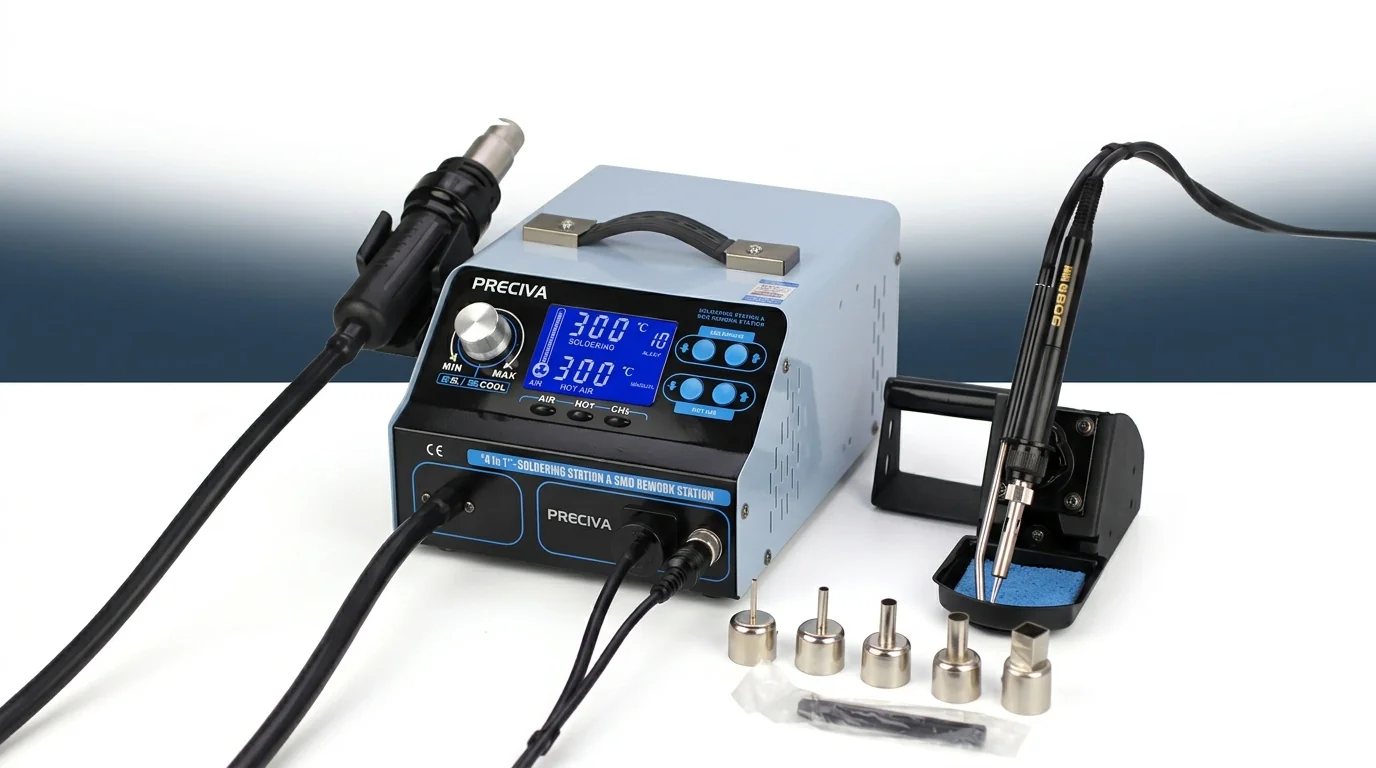
Key fact: The average UK hobbyist spends £45-£80 buying soldering components individually. A quality bundled kit like the PRECIVA Soldering Station Kit at £273.78 delivers equivalent functionality at a fraction of that cost, with free UK delivery included.
Essential Components Every Soldering Iron Kit Should Include
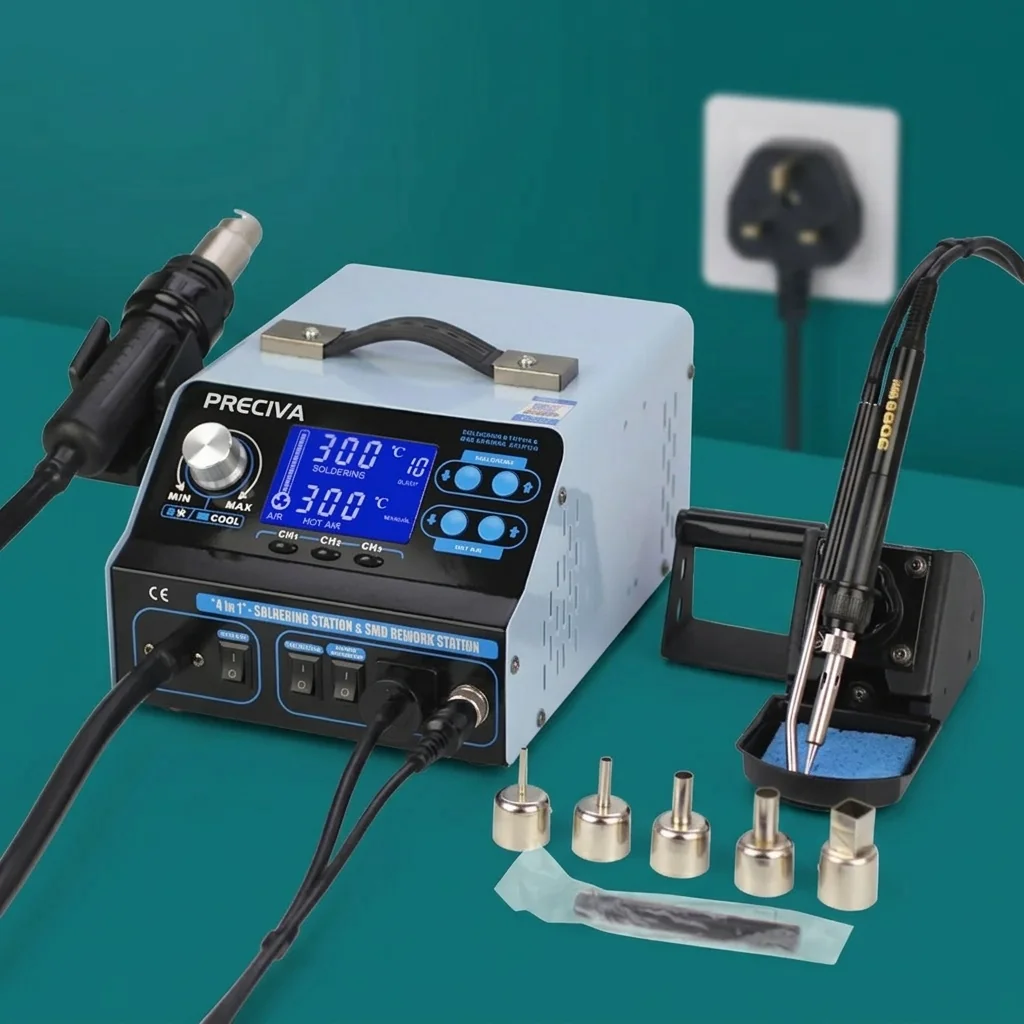
Not all kits are created equal. Some pack in flashy extras you'll never touch, while skimping on the bits that actually matter. Here's what you genuinely need.
The Iron Itself
Look for adjustable temperature control (not just on/off), ceramic heating element for fast heat-up, and a comfortable grip. A 60W iron covers 90% of hobbyist tasks. Anything below 40W and you'll struggle with larger joints; above 80W is overkill for most PCB work.
Soldering Station Tips Set
You want at minimum 5 different tip profiles. A fine conical tip for precision SMD work, a chisel tip for general through-hole components, and a bevel tip for drag soldering. The best soldering station for beginners includes varied tips so you can experiment without buying extras.
Support Tools
- Soldering iron stand with sponge — keeps your iron safe between joints
- Desoldering pump — essential for fixing mistakes and rework
- Solder wire — 60/40 or 63/37 tin-lead for hobbyist use (0.8mm diameter is versatile)
- Anti-static tweezers — for placing SMD components
- Cleaning brass wool — extends tip life significantly vs wet sponge alone
Nice-to-Haves
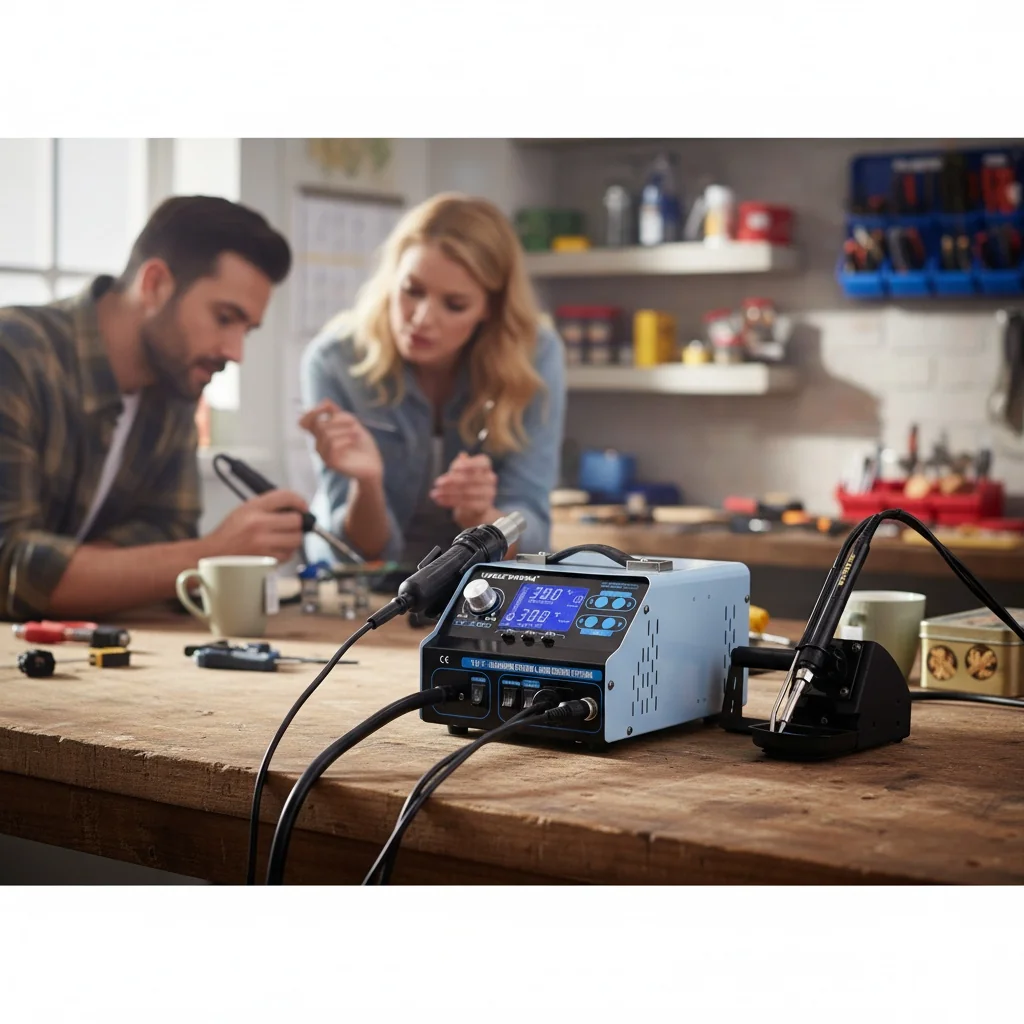
A soldering station with helping hands (those articulated clips that hold your workpiece) is brilliant for fiddly jobs. Wire strippers, flux pen, and a carrying case round out a proper professional setup. Some kits now include a 2 in 1 soldering station hot air rework option, which is fantastic for SMD removal — though that's typically a step up in price. (If you do go down that route, clear some extra bench space first. They're bulkier than they look in the photos.)
UKCA and CE Safety Standards: What UK Buyers Must Know
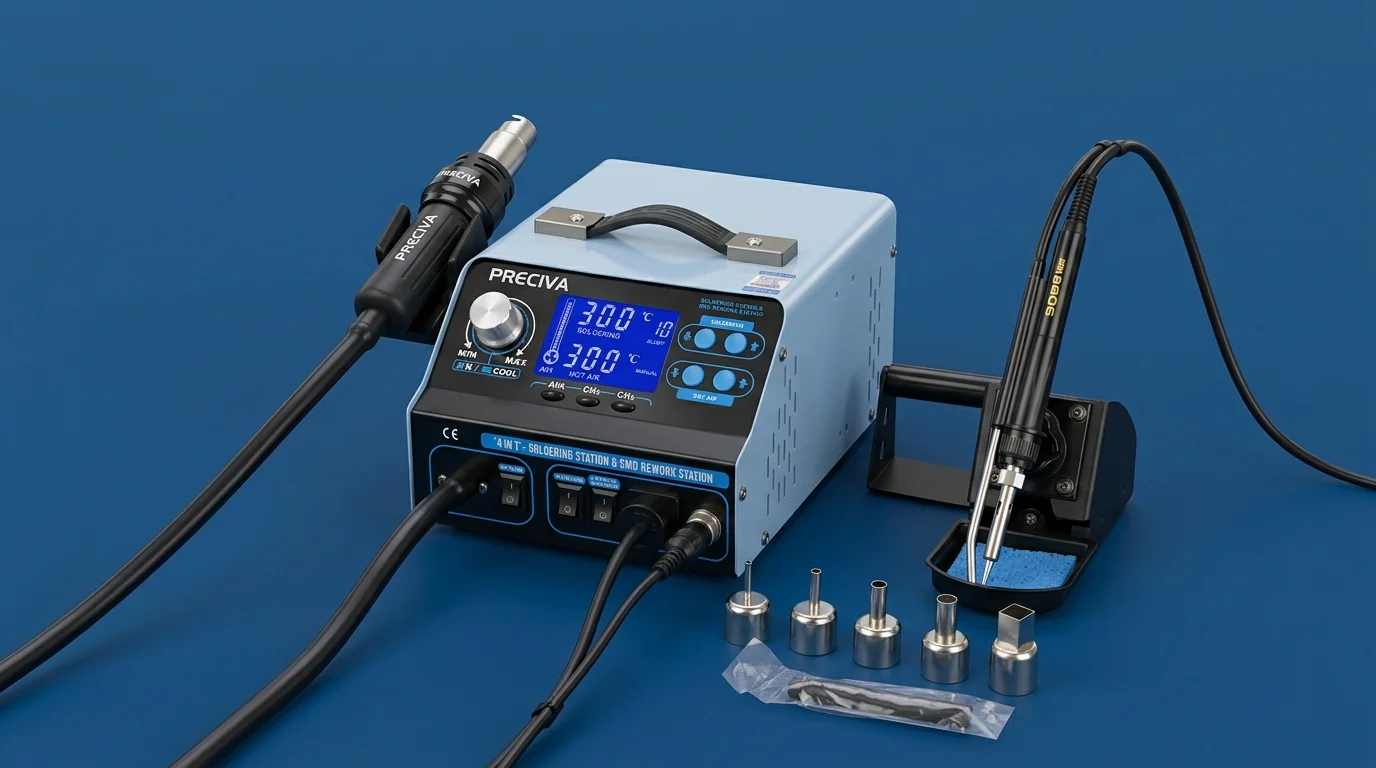
Since January 2025, products sold in Great Britain require UKCA (UK Conformity Assessed) marking for most electrical equipment. This replaced the CE marking requirement for the GB market, though CE remains valid for Northern Ireland under the Windsor Framework.
Why does this matter for your soldering station? Simple. An iron running at 200-480°C with mains voltage is genuinely dangerous if poorly manufactured. The UKCA mark confirms the product meets essential safety requirements under the Electrical Equipment (Safety) Regulations 2016.
What to check before buying:
- UKCA or CE marking clearly visible on product and packaging
- UK-based importer details on the label (required by law since 2024)
- Proper 3-pin UK plug — not a 2-pin Euro plug with adapter
- Compliance with BS EN 60335-2-45 (safety of portable heating tools)
The GOV.UK product safety guidance outlines exactly what manufacturers must demonstrate. If a kit doesn't display proper markings, walk away — it's not worth the risk. I've seen cheap imports on marketplace sites with no safety certification whatsoever. Terrifying, really.
For workplace use, the Health & Safety Executive (HSE) provides guidance on soldering fume extraction and electrical safety that's worth reading even for home hobbyists. Proper ventilation isn't optional — lead solder flux fumes are genuinely harmful with repeated exposure., meeting British quality expectations
Choosing the Right Wattage and Temperature Range for Your Projects
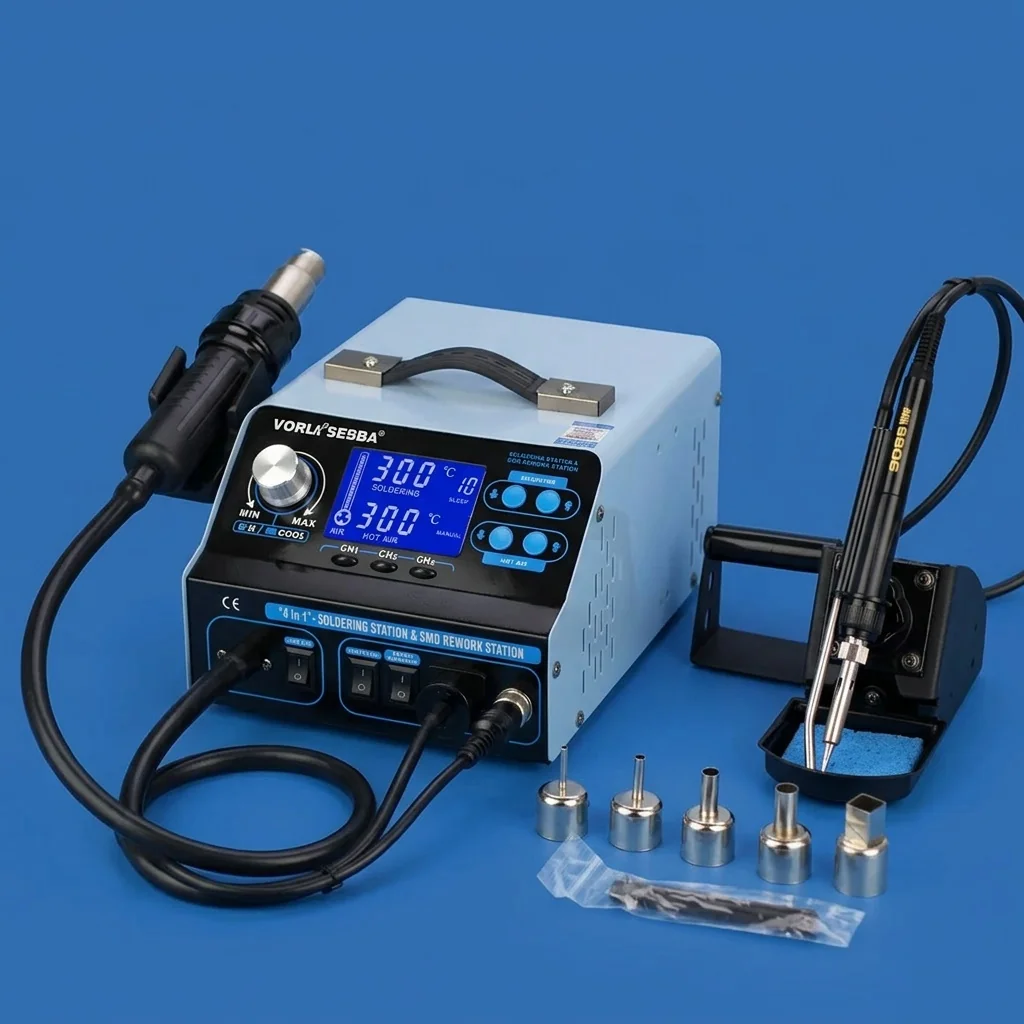
Wattage determines how quickly your iron recovers heat after making a joint. It's not about how hot the tip gets — that's temperature control's job. A higher-wattage iron simply maintains its set temperature more consistently when touching cold components.
Wattage Guide by Application
| Application | Recommended Wattage | Temperature Range | Tip Size |
|---|---|---|---|
| SMD components / fine PCB work | 40-60W | 250-320°C | 0.2-1.0mm conical |
| Through-hole electronics repair | 50-65W | 300-370°C | 1.2-2.4mm chisel |
| General hobby / kit building | 60-75W | 320-400°C | 1.6-3.2mm chisel |
| Heavy wire / connector work | 75-100W | 370-450°C | 3.2-5.0mm chisel |
| Stained glass / plumbing | 100-150W | 400-480°C | 6.0mm+ wedge |
For the vast majority of UK hobbyists doing electronics repair and PCB work, a 60W station with adjustable temperature from 200-480°C hits the sweet spot. That's exactly what the best soldering iron UK buyers should target in this price bracket.
So what's the catch with cheap fixed-temperature irons? They run at a single preset (usually around 380°C), which is too hot for sensitive components and too cool for heavy ground planes. You'll lift pads, damage ICs, and produce cold joints. Adjustable temperature isn't a luxury — it's essential.
Kit Comparison: What £28 Gets You in 2026
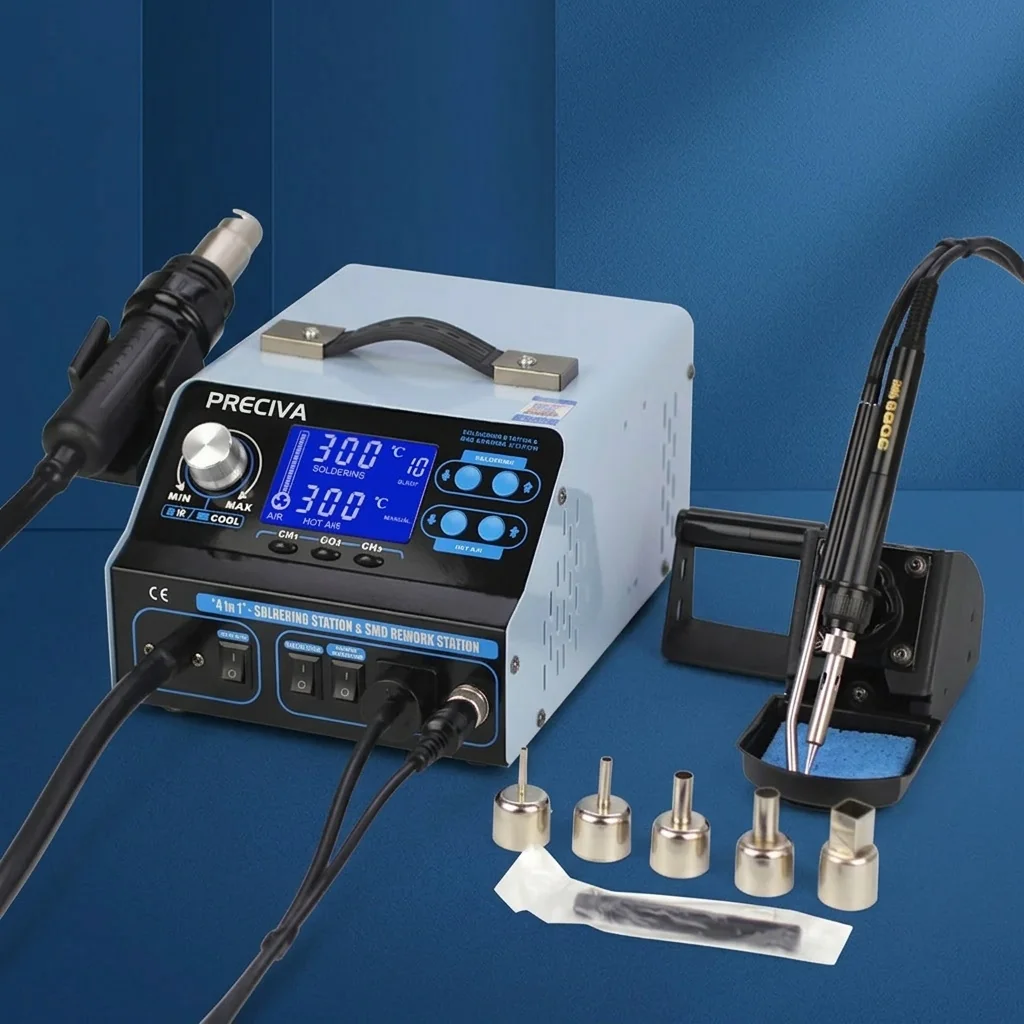
The soldering iron kit market in the UK has shifted dramatically this spring. Supply chain improvements mean you're getting significantly more for your money than even 18 months ago. Here's how the PRECIVA offering stacks up against typical alternatives at similar price points.
| Feature | PRECIVA Soldering Station Kit | Typical Budget Kit (£15-20) | Mid-Range Station (£50-70) |
|---|---|---|---|
| Price | £273.78 | £15-20 | £50-70 |
| Wattage | 60W | 30-40W | 60-75W |
| Temperature Control | Adjustable (200-480°C) | Fixed or basic dial | Digital PID control |
| Tip Variety | 5+ included | 1-2 tips | 3-5 tips |
| Desoldering Pump | Included | Sometimes | Usually included |
| UK Safety Compliance | UKCA/CE certified | Often unmarked | CE/UKCA certified |
| UK Plug | Yes — fitted | Adapter often needed | Yes — fitted |
| Free UK Delivery | Yes | Varies | Usually |
| UK Manufactured | Yes | No (typically imported) | Varies |
Value assessment: At £273.78 with free delivery, the PRECIVA soldering iron kit sits in a unique position — priced like a budget option but specced like a mid-range station. Proudly UK-manufactured, which means consistent quality control and proper after-sales support without international shipping headaches.
Honestly, I've tried cheaper alternatives and they just don't cut it. The tips oxidise within weeks, temperature accuracy drifts, and the stands feel like they'll topple at any moment. My mate who does guitar pedal builds swears by spending a bit more upfront, and I get why — you save money long-term on replacement tips alone.
How to Use a Soldering Station: Practical Tips for Beginners
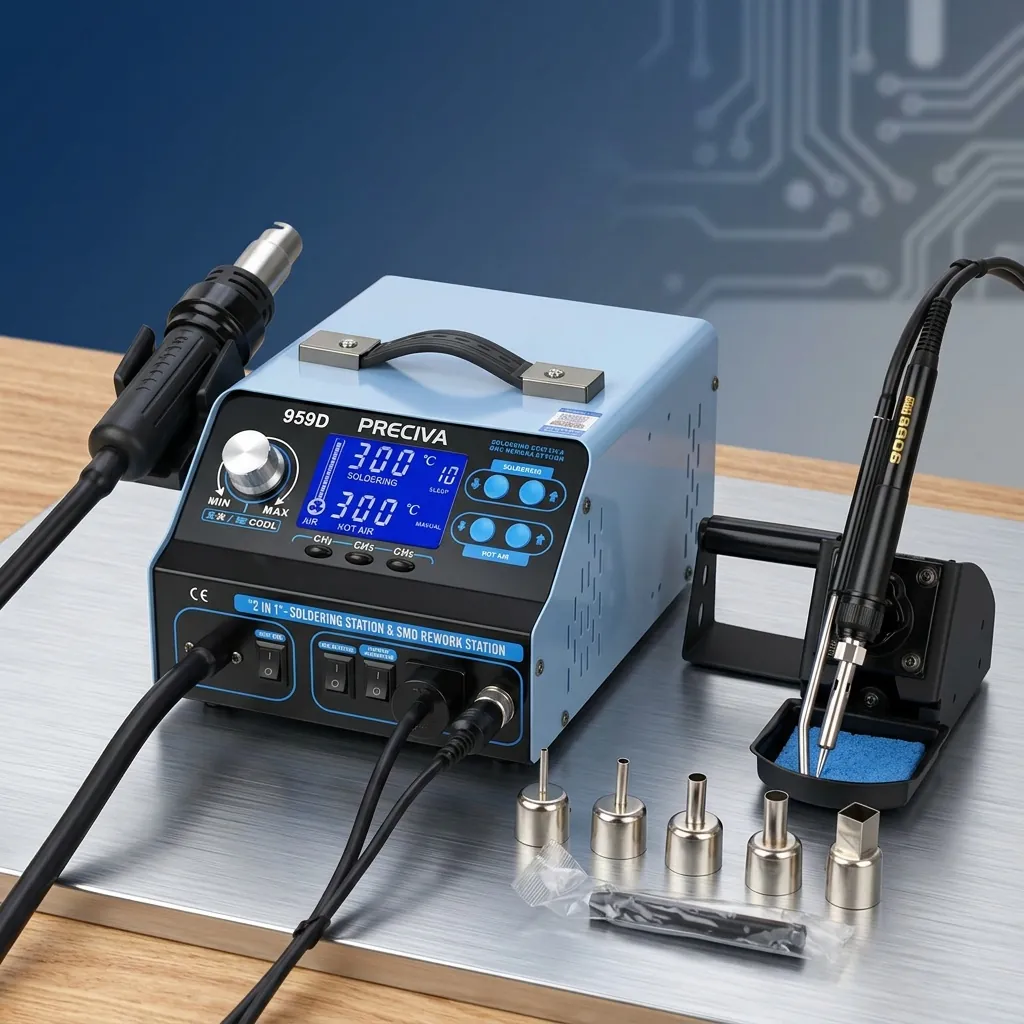
Getting started with a soldering station for electronics repair is simpler than most people think. Technique matters far more than expensive equipment. Here's what I wish someone had told me when I started.
First-Time Setup (5 Minutes)
- Secure your station on a heat-resistant surface — a ceramic tile works perfectly
- Tin your new tip immediately: heat to 300°C, apply solder to coat the tip surface
- Dampen your cleaning sponge (not soaking — just damp)
- Set temperature to 320°C for general lead solder work, 370°C for lead-free
- Practice on scrap board before touching your actual project
The Three Golden Rules
Heat the joint, not the solder. Touch your iron tip to where the component leg meets the pad. Count two seconds. Then feed solder into the joint — it should flow like water. If it balls up, your joint isn't hot enough.
Keep your tip clean and tinned. Wipe on brass wool every 3-4 joints. A dirty, oxidised tip transfers heat poorly and produces terrible joints. This single habit extends tip life from weeks to months.
Don't overheat components. Most through-hole components tolerate 3-4 seconds of iron contact. SMD parts are more sensitive — 2 seconds maximum. If a joint isn't working, remove the iron, let it cool, and try again rather than holding heat longer.
Common Beginner Mistakes
Using too much solder is the number one issue I see. You want a small, shiny concave fillet — not a blob. Well, actually, the real number one mistake is probably not using flux. Even if your solder wire contains flux core, a dab of additional flux paste on tricky joints makes an enormous difference.
The soldering station for PCB work doesn't need to be fancy. It needs to be consistent. Temperature stability matters more than maximum wattage or digital displays.
Best Budget Soldering Station vs Premium: Where to Draw the Line
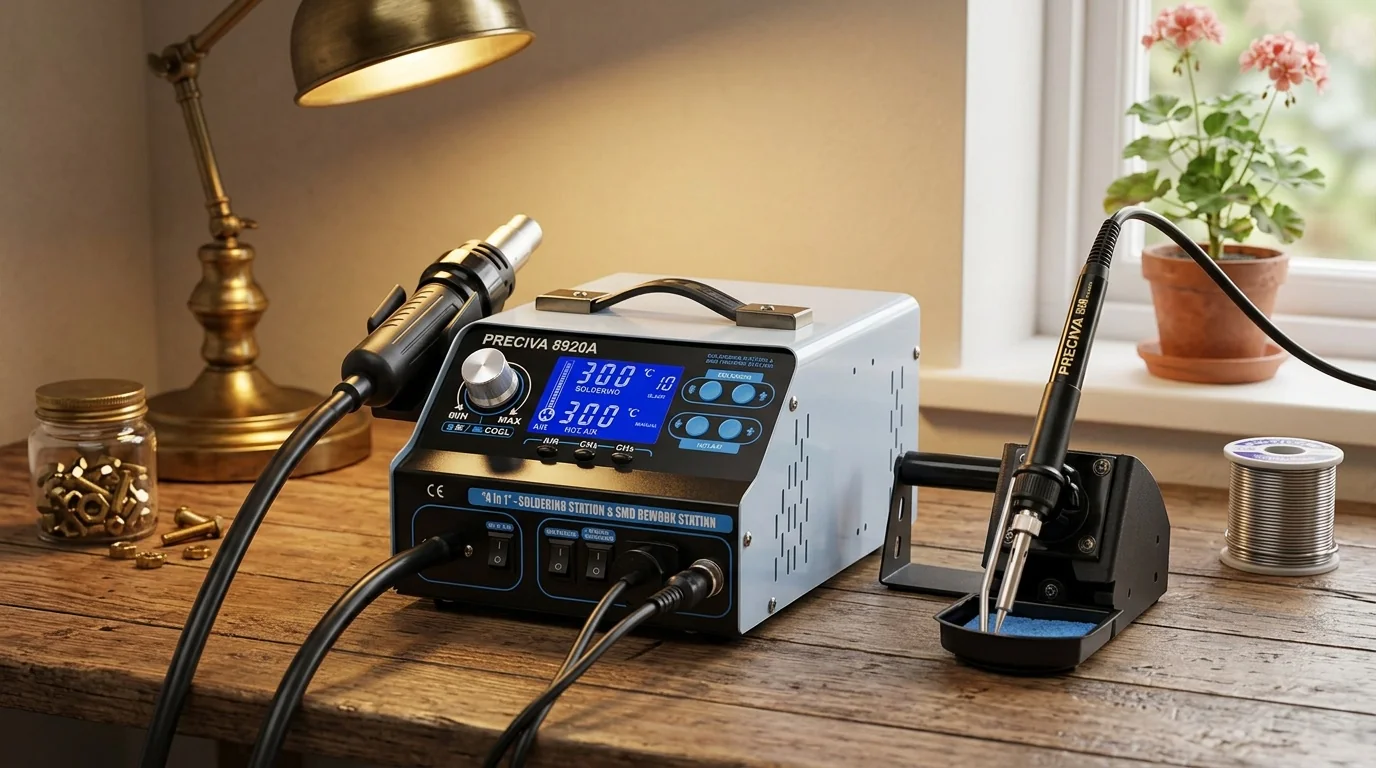
Here's the honest truth about the best budget soldering station options in 2026: the gap between budget and premium has narrowed considerably. Five years ago, you needed to spend £80+ for reliable temperature control. Now? £28 gets you there., popular across England
The real question isn't "cheap or expensive" — it's "what features actually improve your results?" For 95% of hobbyists doing electronics repair, guitar mods, LED projects, or Arduino builds, a well-designed 60W station with proper temperature control is all you need.
When to Spend More
A hot air rework station and soldering station combo makes sense if you're regularly removing QFP or BGA chips. That's specialist territory. Similarly, if you're doing production-volume work (more than 50 joints per session regularly), a higher-end station with faster thermal recovery pays for itself in time saved.
When Budget is Brilliant
For weekend projects, occasional repairs, learning electronics, or building kits — a quality budget station is spot on. The best soldering station for beginners doesn't need every bell and whistle. It needs reliable heat, comfortable ergonomics, and decent tips.
Worth the extra spend over a £15 no-name iron? Absolutely. The jump from £15 to £28 buys you temperature accuracy within ±5°C, proper ESD-safe design, and tips that actually last. The jump from £28 to £70 buys you a digital display and slightly faster heat-up. Diminishing returns kick in fast.
Look, I know some folk will say you need a Hakko or Weller to do "real" soldering. That's gatekeeping nonsense. I've produced perfectly clean joints on vintage radio restorations using the Preciva station from my kitchen table in Belfast. The iron doesn't make the craftsperson — practice does.
Frequently Asked Questions
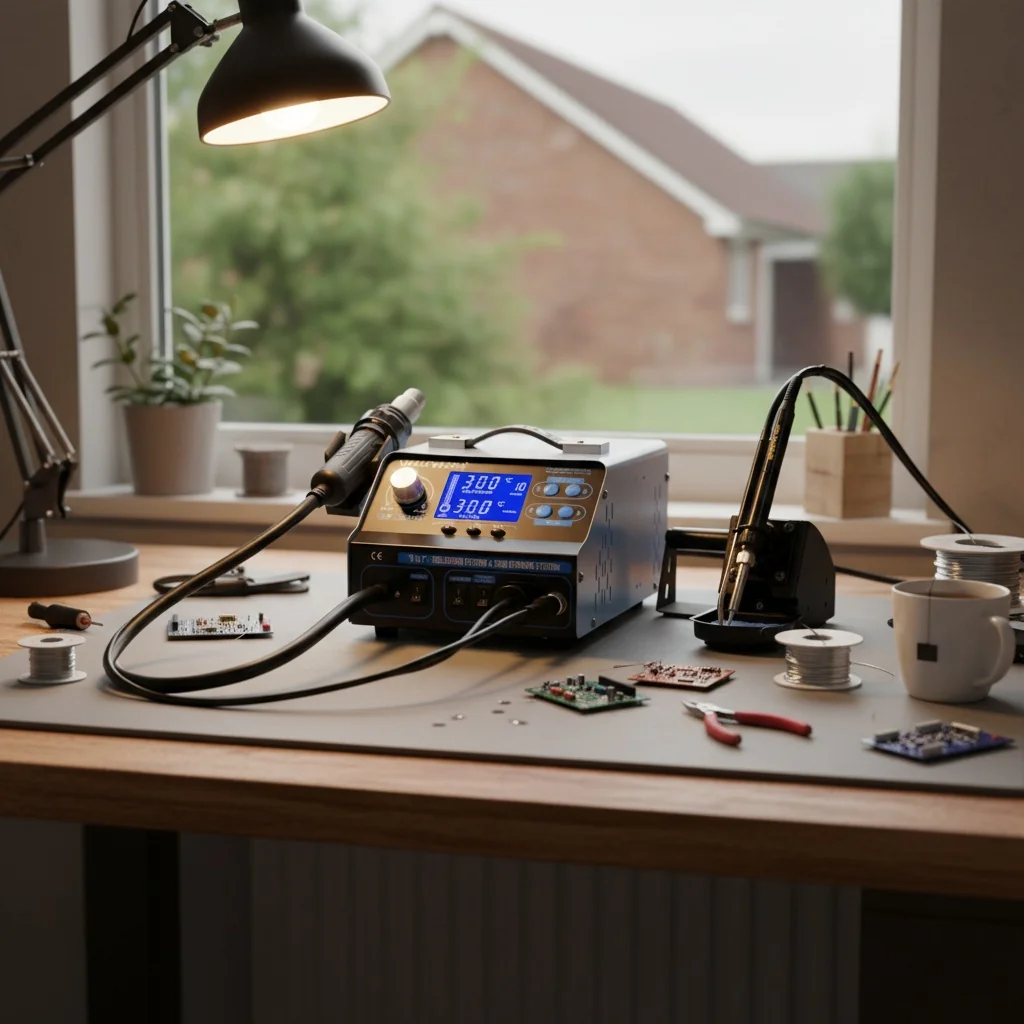
What should a good soldering iron kit include for beginners?
A good beginner soldering iron kit should include a temperature-adjustable iron (60W minimum), at least 5 interchangeable tips, a sturdy stand with cleaning sponge, desoldering pump, solder wire (0.8mm 60/40), and anti-static tweezers. The PRECIVA Soldering Station Kit at £273.78 includes all these essentials with free UK delivery and UKCA compliance.
What temperature should I set my soldering iron to for electronics?
For leaded solder (60/40 tin-lead), set your iron to 300-350°C. For lead-free solder, increase to 350-400°C. SMD components require lower temperatures around 280-320°C with shorter contact times of 2 seconds maximum. Never exceed 400°C for standard PCB work as you risk lifting copper pads and damaging components.
Is UKCA marking required for soldering irons sold in the UK?
Yes. Since January 2025, electrical products sold in Great Britain must carry UKCA marking demonstrating compliance with the Electrical Equipment (Safety) Regulations 2016. Products sold in Northern Ireland can still use CE marking under the Windsor Framework. Always verify markings before purchase — uncertified soldering equipment poses genuine fire and electric shock risks.
How long do soldering iron tips last?
With proper care — regular tinning and cleaning with brass wool — quality soldering iron tips last 3-6 months of regular hobbyist use (approximately 200-500 hours). Cheap tips may degrade within 2-4 weeks. The main tip killer is leaving your iron at high temperature while idle. Always reduce temperature or switch off during breaks longer than 5 minutes.
Can I use a soldering iron kit for guitar electronics and pedal building?
A 60W soldering station kit is ideal for guitar wiring, pickup swaps, and effects pedal builds. Use a 2.4mm chisel tip at 330-360°C for pot lugs and switch terminals. For PCB-based pedal kits, switch to a 1.2mm conical tip at 310°C. The joints in guitar electronics are relatively large and forgiving — perfect for building confidence before tackling finer work.
What's the difference between a soldering iron and a soldering station?
A standalone soldering iron is a single tool with basic or no temperature control. A soldering station includes a base unit with precise temperature regulation, digital or analogue display, and typically better thermal recovery. Stations maintain ±5°C accuracy versus ±20-30°C drift on basic irons. For any electronics work beyond occasional wire joining, a station-style kit is strongly recommended.
Key Takeaways
- A complete soldering iron kit at £273.78 delivers better value than buying components separately — expect to save 40-60% versus individual purchases while getting properly matched components.
- 60W with adjustable temperature (200-480°C) covers 90% of hobbyist electronics work — from fine SMD soldering at 280°C to heavy connector work at 400°C.
- UKCA/CE marking is non-negotiable for UK buyers in 2026 — uncertified electrical heating tools pose genuine safety risks and may violate the Electrical Equipment (Safety) Regulations 2016.
- Temperature control matters more than maximum wattage — a 60W station with ±5°C accuracy outperforms a 100W iron with no regulation for precision electronics work.
- The PRECIVA Soldering Station Kit offers mid-range specifications at budget pricing — UK-manufactured, UKCA compliant, with 5+ tips and free delivery at £273.78.
- Proper tip maintenance extends lifespan from weeks to months — tin after every use, clean with brass wool, and never leave idle at high temperature.
- The budget-to-premium gap has narrowed significantly in 2026 — spending £28 now gets you what required £60+ just three years ago.
Ready to try PRECIVA?
Shop Now — £273.78